Archives: Knowledge Base

Installation Guide

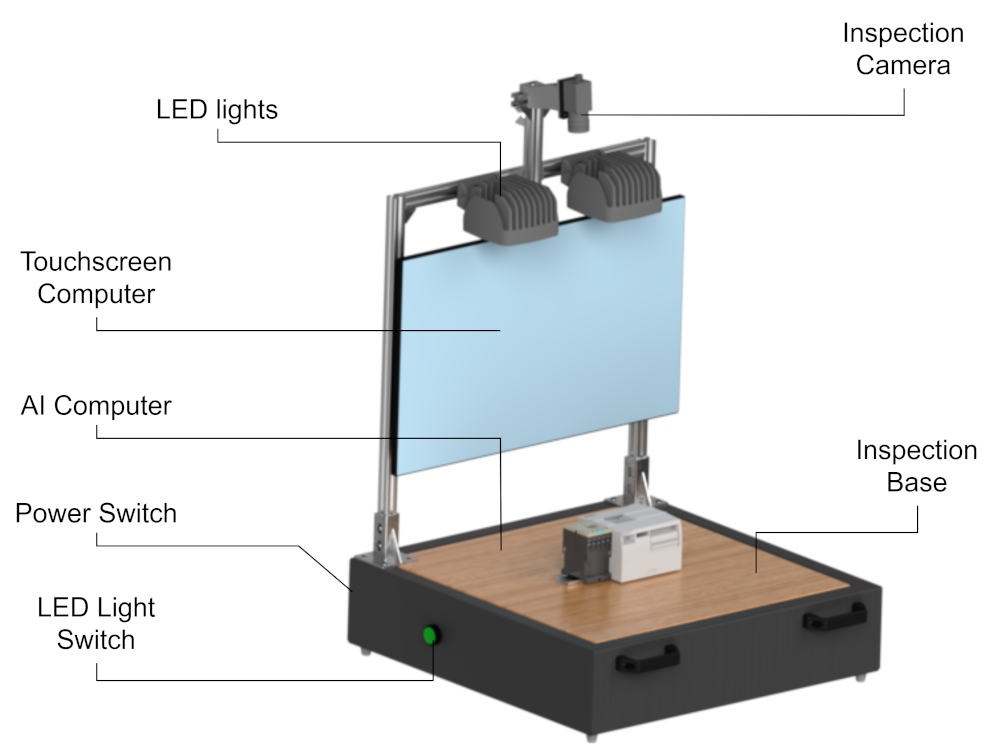
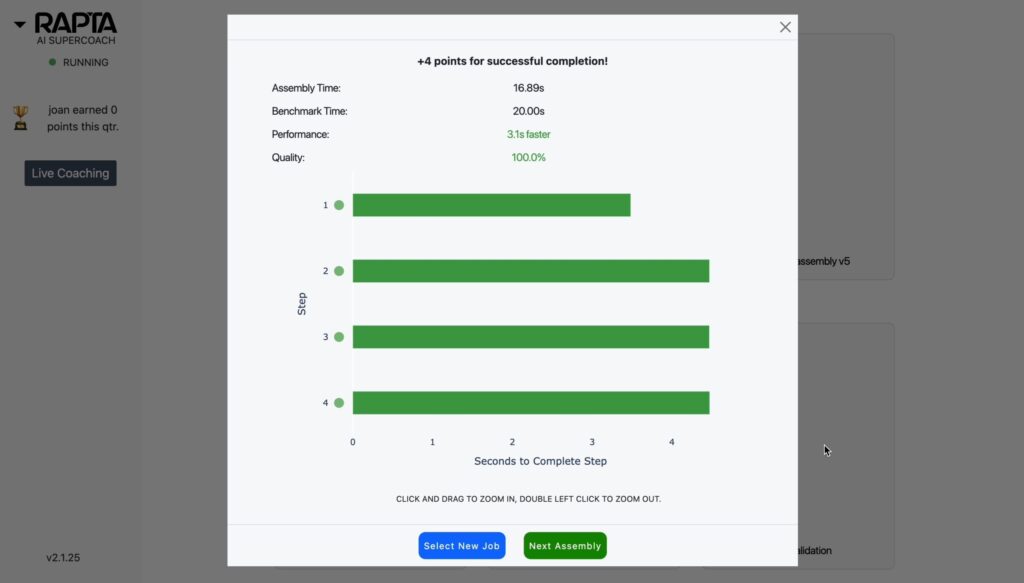
Congratulations on purchasing a Rapta AI Station . This guide will walk you through setup and installation of the system in your facility. After following the system installation, please refer to Correct Lighting Setup and Camera Setup to complete the process. The Rapta AI system is designed to be flexible to suit your application environment. …
Installation Guide Read More »

Electronics Assembly Example

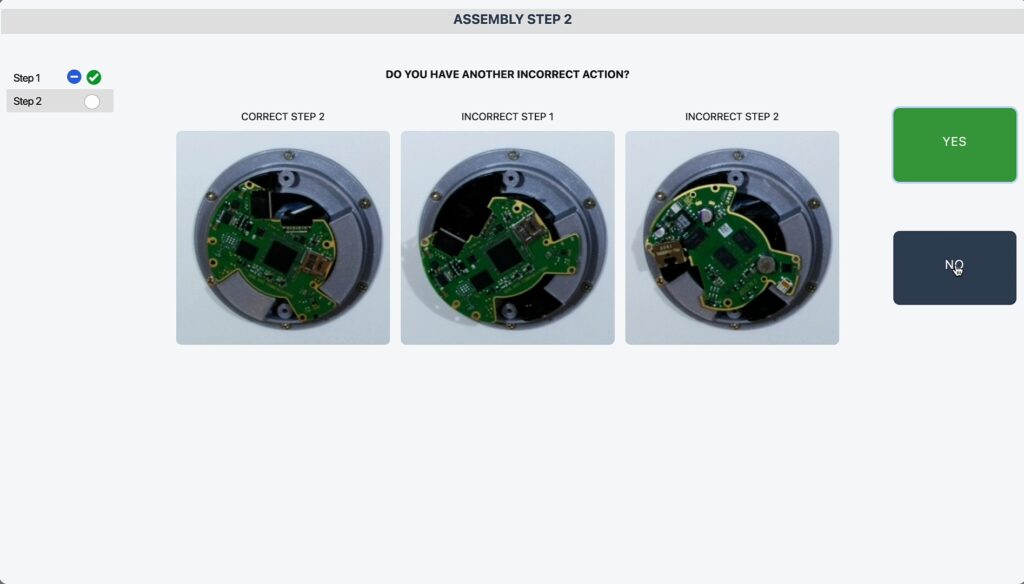
In this article we will show you how to create an assembly process to validate that a camera in an electronics assembly environment containing the following key parts is assembled correctly in under 10 minutes: Before creating your own assembly, read Best Practices for Creating an Assembly.

System Health Monitor

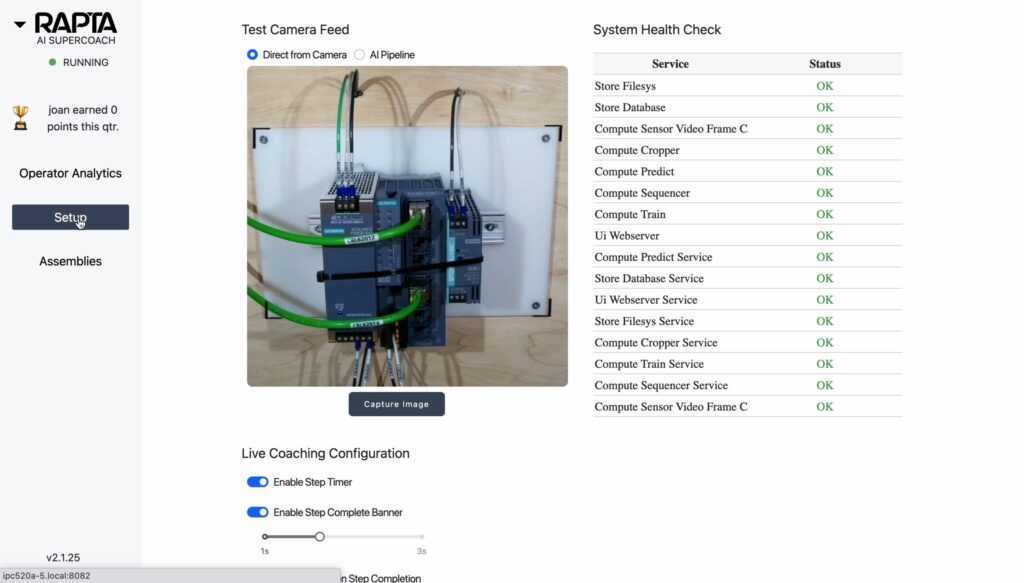
Our system includes an internal system services health monitor with a GREEN / RED Indictor bezel in the top left corner of the screen. During startup of the system, the indictor bezel will be RED until all services boot up and become available. Detailed health or service status can be seen from the Setup tab …

System Health Monitor Read More »

Navigating to setup configuration

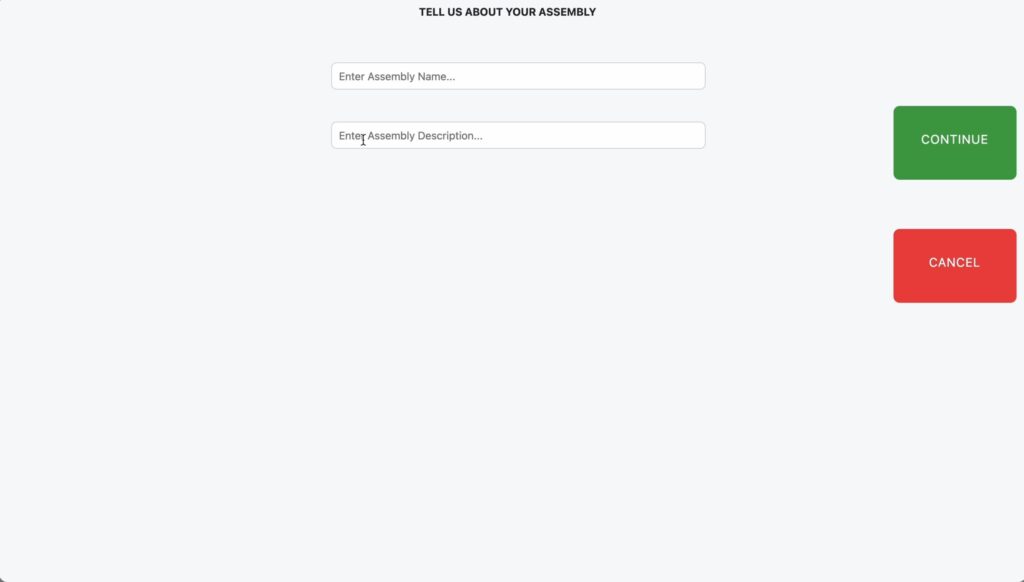
Configuration is easy and performed by the user interface with the AI Supercoach. Follow this video guided tour to get started, the major steps include:

How to shutdown and reset the system

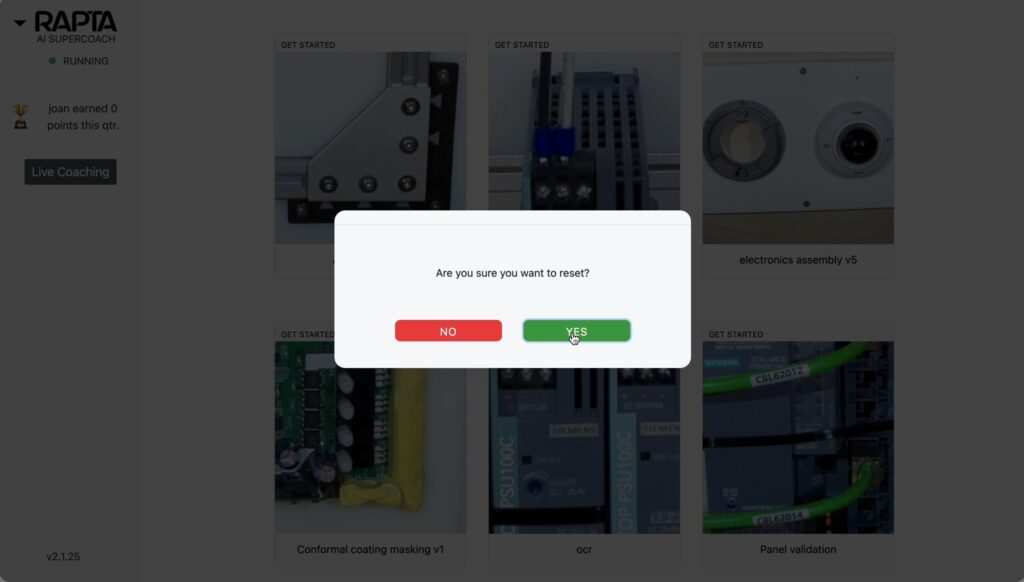
The Rapta system runs on an AI computer running Ubuntu and requires a correct shutdown process before removing power. Shutdown and reset of the Rapta system can be performed via the UI. Shutdown turns off the Rapta AI computer while Reset restarts the services without restarting the computer.

Demo System Guide

Lorem ipsum dolor sit amet, consectetur adipiscing elit, sed do eiusmod tempor incididunt ut labore et dolore magna aliqua. Id eu nisl nunc mi. Sed nisi lacus sed viverra tellus in hac habitasse platea. Quam elementum pulvinar etiam non quam lacus suspendisse faucibus. Eleifend donec pretium vulputate sapien nec.

Panel Wiring Validation Example

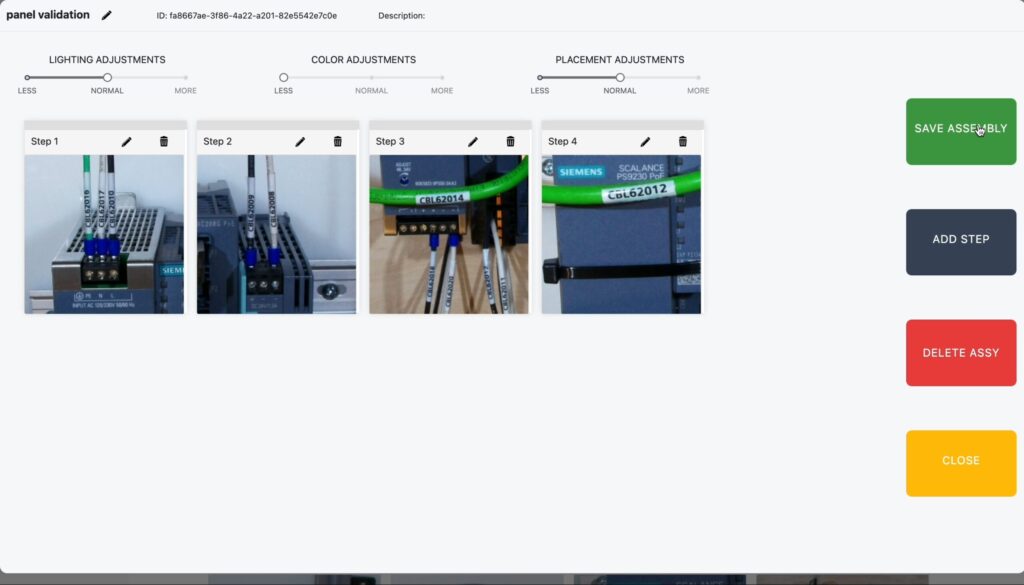
In this article we will show you how to create a copy exact, panel wiring and component validation system in just 2 minutes. Key components validated in this assembly with optical character recognition (OCR) and deep learning AI models: Before creating your own assembly, read Best Practices for Creating an Assembly.

Running an OCR assembly

Rapta supports a variety of deep learning AI models including optical character recognition. OCR is a powerful tool for validating wiring in large or complex machines, labels on products and a variety of other applications. During assembly creation, OCR verification can be selected as the desired action for a step. In this example we are …

Running an OCR assembly Read More »