Archives: Knowledge Base

Lighting Setup

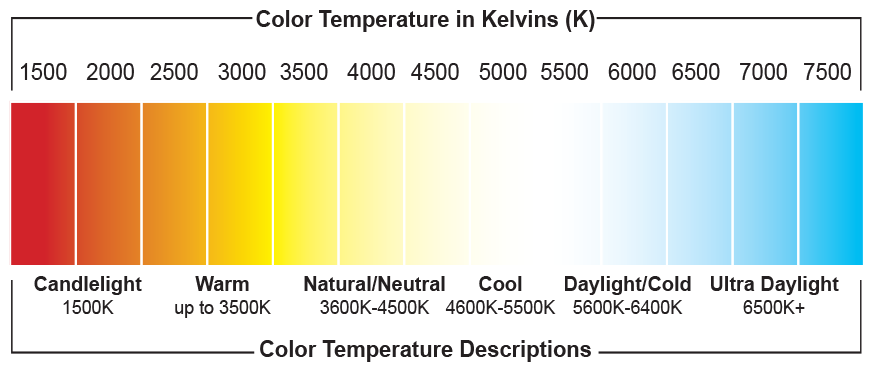
Quality, glare free lighting is critical to a successful AI deployment and one of the key reasons an AI solution may to customers expectations. Follow this guide to find out whats important for our solution and some of the common pitfalls. Ripple free LED lights Rapta uses only high quality LED illumination sources with pure …

Lighting Setup Read More »

Camera Zoom

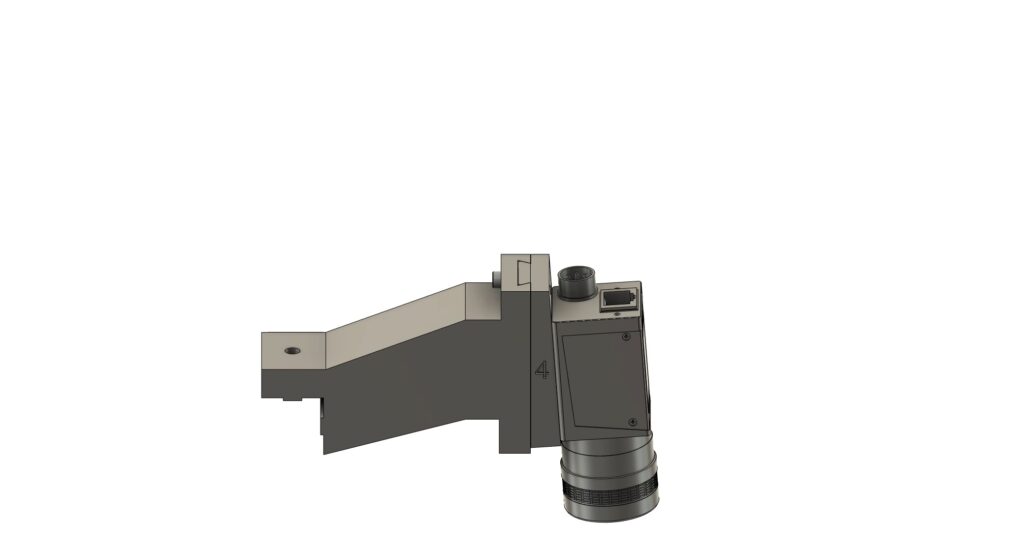
The camera zoom can be adjusted for each step enabling higher accuracy of the AI system by providing focus and higher pixel resolution for smaller parts. AI systems are like the human eye, if something is too small in an image, it is unable to accurately determine if it is correct or incorrect. In the …

Camera Zoom Read More »

Assembly Job Metrics

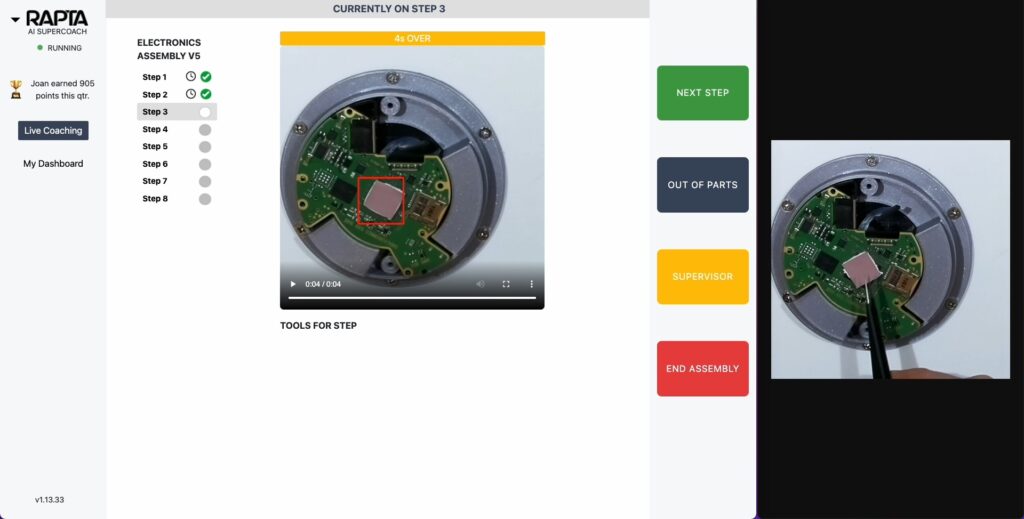
Supercoach captures a number of metrics from an active coaching session including:

Installation Guide

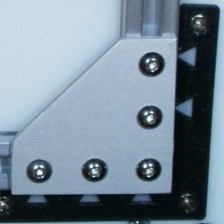
Congratulations on purchasing a Rapta AI Station! This guide will walk you through setup and installation of the system in your facility. The Rapta AI system is designed to be flexible to suit your application environment. Many customers choose to use their existing frames or fixtures and in many cases this works well. Contact our …

Installation Guide Read More »

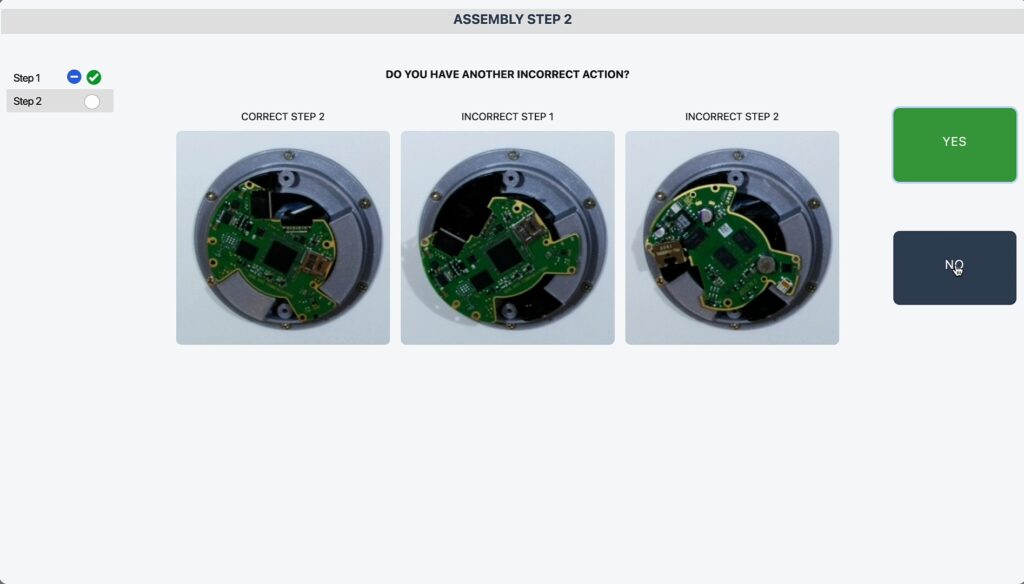
Electronics Assembly Example

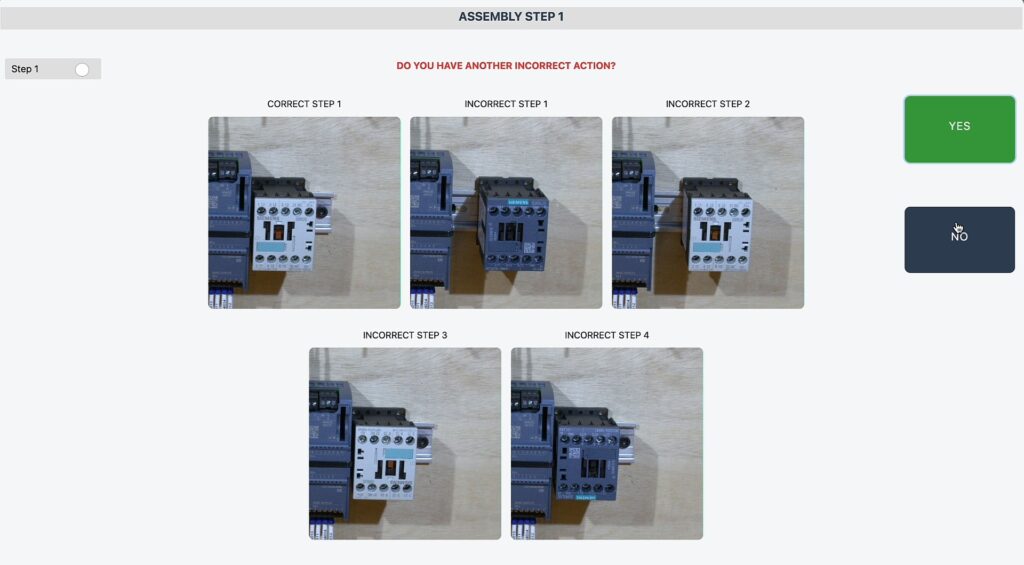
In this article we will show you how to create an assembly process to validate that a camera in an electronics assembly environment containing the following key parts is assembled correctly in under 10 minutes: Before creating your own assembly, read Best Practices for Creating an Assembly.

System Health Monitor

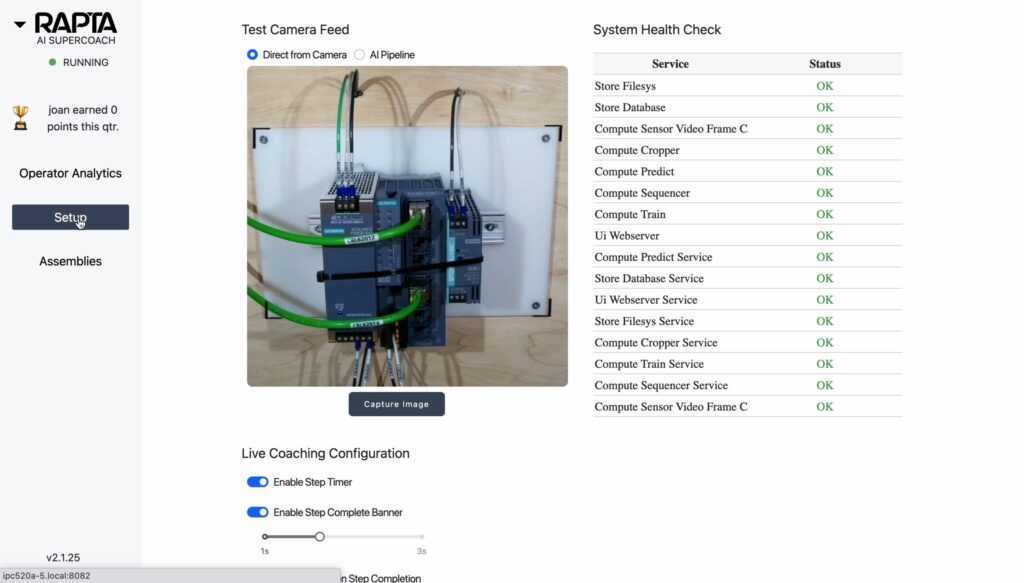
Our system includes an internal system services health monitor with a GREEN / RED Indictor bezel in the top left corner of the screen. During startup of the system, the indictor bezel will be RED until all services boot up and become available. Detailed health or service status can be seen from the Setup tab …

System Health Monitor Read More »

Navigating to setup configuration

Configuration is easy and performed by the user interface with the AI Supercoach. Follow this video guided tour to get started, the major steps include:

How to shutdown and reset the system

The Rapta system runs on an AI computer running Ubuntu and requires a correct shutdown process before removing power. Shutdown and reset of the Rapta system can be performed via the UI. Shutdown turns off the Rapta AI computer while Reset restarts the services without restarting the computer.